ChatGPT Slides is rolling out with shared editing in Space. OpenAI’s October 16, 2026 release notes announce a presentation workspace where teams can develop the same deck together. For creative agencies and print shops, the practical question is how it fits into client review and file handoff.
Who can use ChatGPT Slides?
The rollout covers eligible Pro, Business and Enterprise users with Space access on web and desktop. OpenAI says to begin by asking ChatGPT in Work to create a presentation in Space. The announcement gives no separate Slides price or numerical usage quota, so check your account’s available features before planning a deadline around it.
What can you edit?
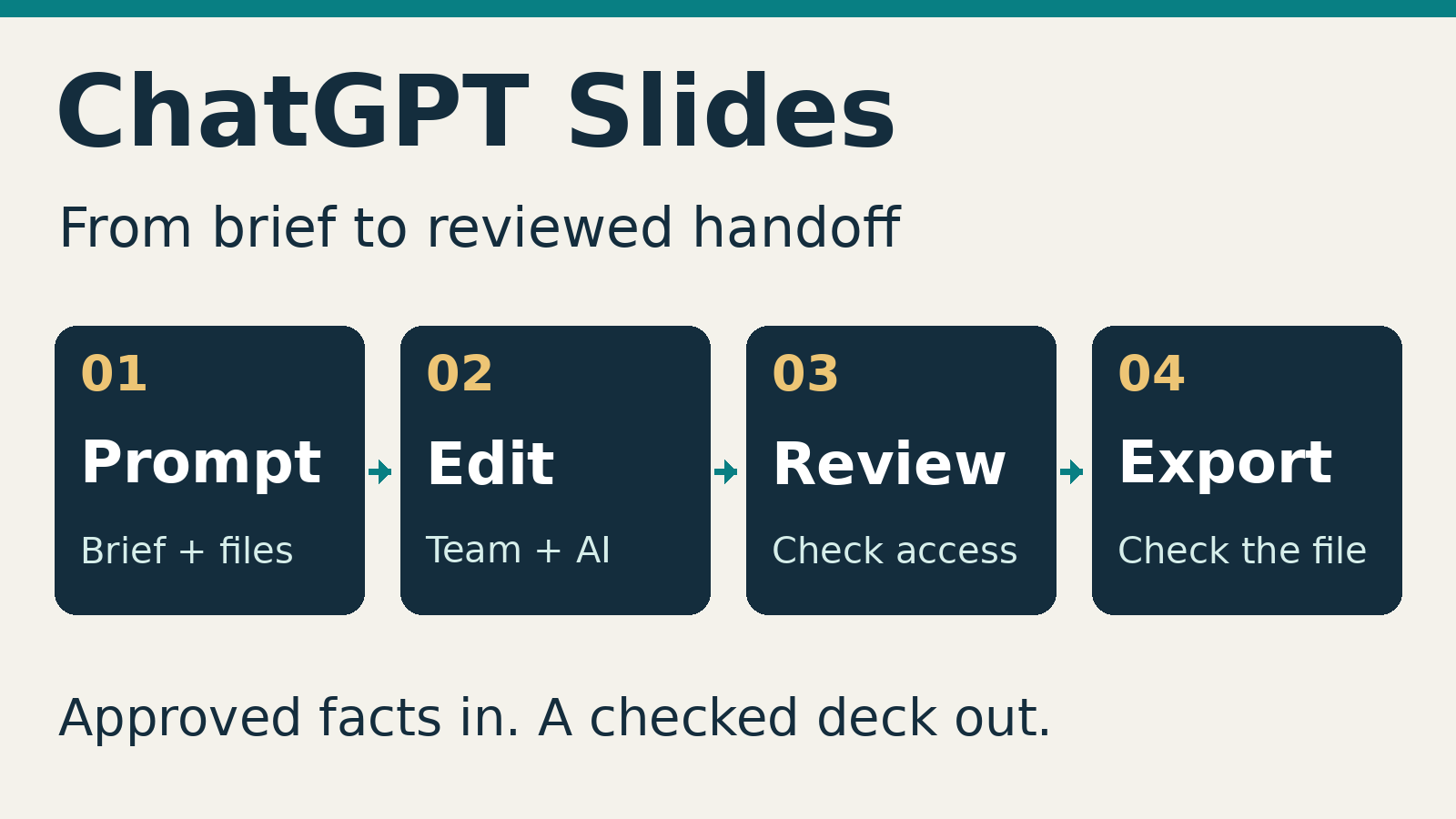
According to the Slides product page, you can start from a conversation, files, an outline or a template, and supply an example deck to guide the style. Users can edit slides directly or ask ChatGPT to revise wording and charts, generate images, or work through team feedback.
A useful first trial would be an internal pitch for a signage project: introduce the brief, compare two design directions, list the agreed scope and finish with decisions needed. Keep approved dimensions, quantities and prices in the source material, then check every repeated figure.
Before delegating revisions, define what must stay fixed. Our guide to ChatGPT Work for creative businesses explains how to set reviewable tasks; a deck brief should preserve approved claims, scope and pricing.
Check review permissions before inviting clients
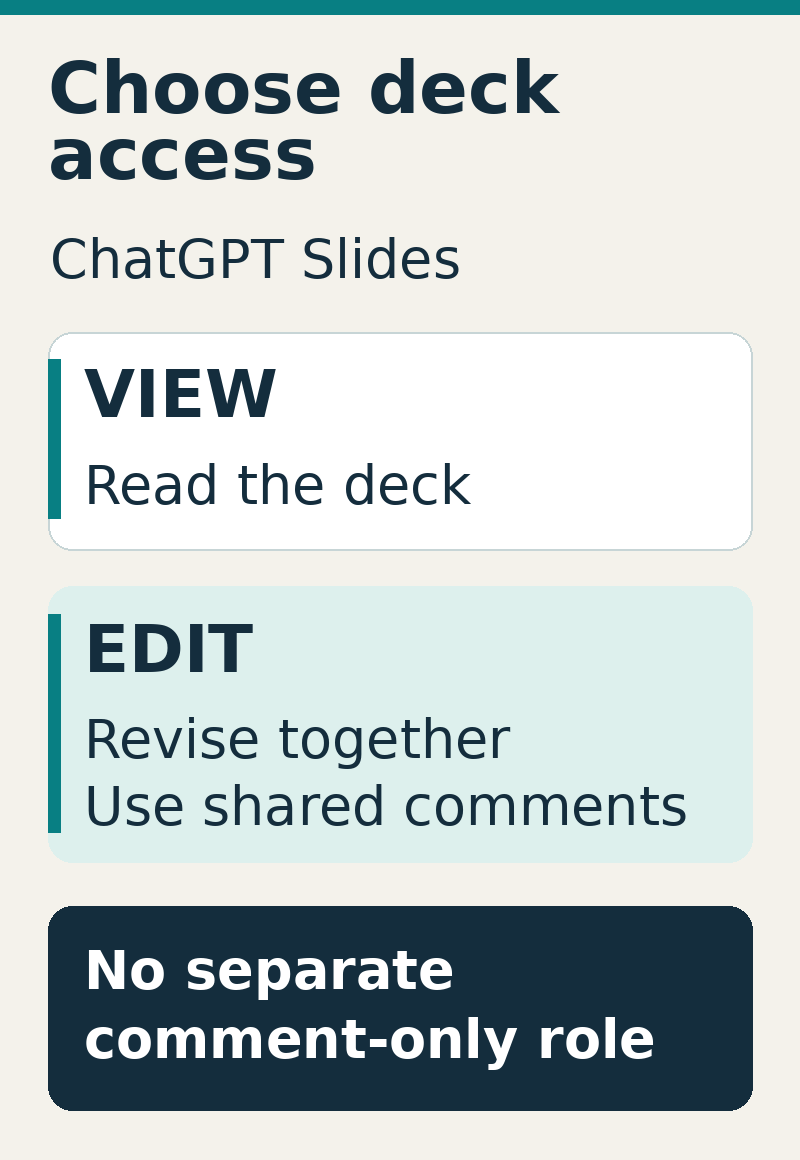
OpenAI’s dedicated collaboration guide specifies view and edit access for Slides, with no separate comment-only role. Editors can work simultaneously and use shared comments. Available recipients and sharing options depend on the account and workspace.
That matters when a client should give feedback without changing the deck. Confirm the available review route before sending an invitation; a PDF with feedback collected separately may suit that stage better.
How exporting and handoff work
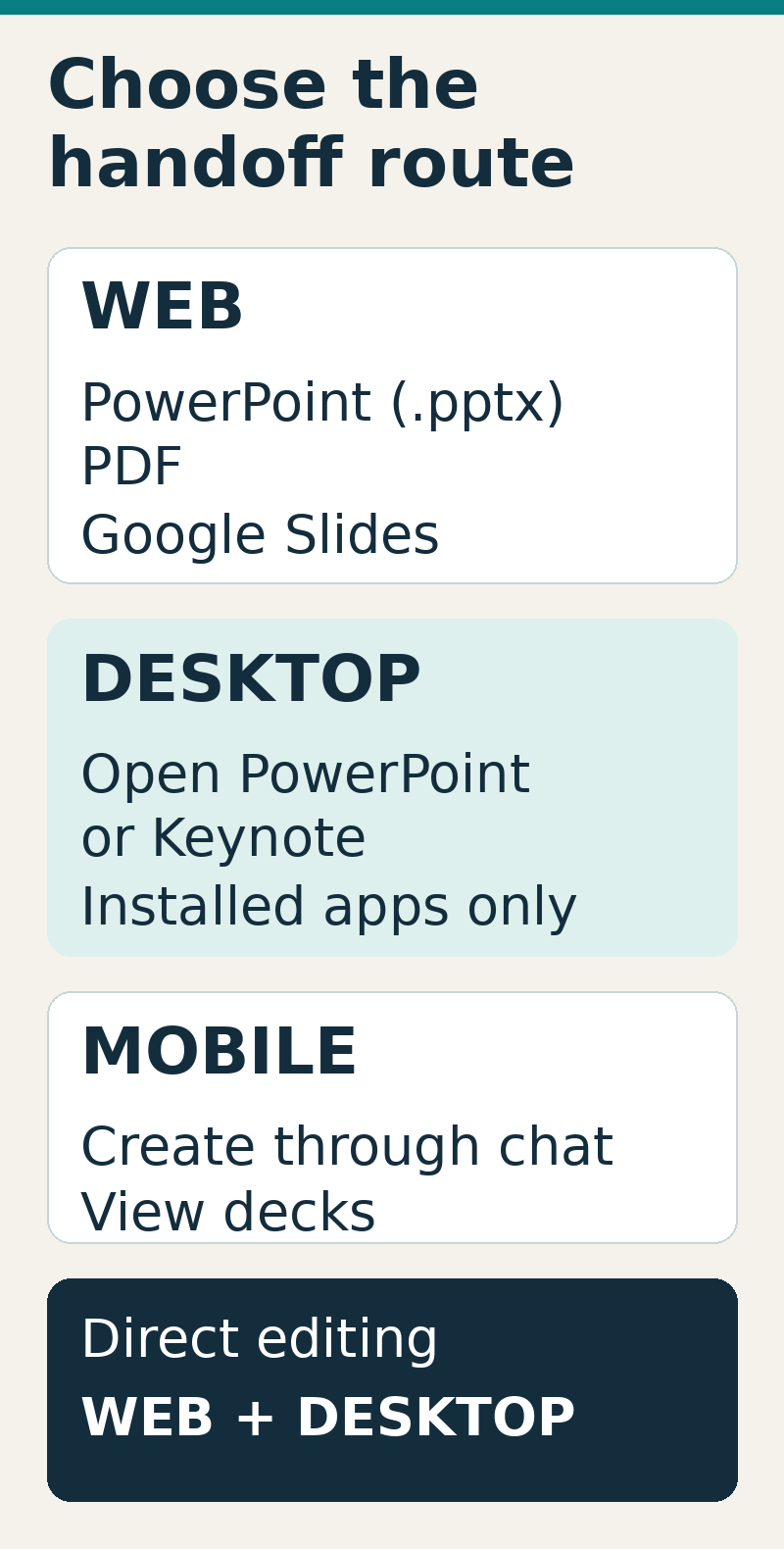
The setup guide lists web exports to PowerPoint, PDF and Google Slides. Desktop options open decks in installed PowerPoint or Keynote. Mobile supports creation through conversation and viewing; direct element editing requires web or desktop. If Windows produces a PowerPoint file instead of a collaborative deck, OpenAI advises cloud mode or the web.
A short client handoff checklist
- Test access: confirm the reviewer can open the deck with the intended permissions.
- Export early: inspect fonts, line breaks, image crops and charts in the destination app before the final meeting.
- Check claims: verify prices, specifications and deadlines against approved source documents.
- Record approval: identify the accepted version and keep print specifications and final artwork sign-off in your normal production workflow.
Sources checked October 16, 2026. This is documentation-based reporting; the editor and export fidelity have not been independently tested.