Featured image: Figma code layers enters open beta. Editorial graphic: TopClassDesigns; official Figma wordmark used for identification. Figma is a trademark of Figma, Inc.; no sponsorship or affiliation is implied.
Figma began rolling out Code Layers in Figma Design on October 15, 2026, bringing working, code-backed prototypes onto the design canvas. Announced at Config India, the open beta lets designers start from an existing frame, a GitHub repository, a captured webpage or a written prompt. The launch is documented in Figma’s October 15 release notes.
For an agency, the useful question is specific: can a client try the behavior you are proposing before development scope is approved? A quote form, product selector or booking flow could make that conversation more concrete. Access, credit charges and client-code permissions deserve a check before the first experiment.
Who can access the Figma Code Layers beta
Creating code layers requires a Full seat and edit access to the Design file. Figma says access will arrive over the next few weeks, with different people potentially receiving it at different times. Look for the Code icon in the Design toolbar. See the Code Layers access documentation for the current requirements.
Before scheduling a client demonstration, open the intended account and file and confirm the feature is present. Keep your existing presentation ready while the rollout is underway. A beta announced today may take time to become available to the person running tomorrow’s review.
What Code Layers costs
On paid plans, generating and editing code inside a code layer uses no AI credits through November 4, 2026. Other agent tasks still consume credits, even when combined in the same prompt. After November 4, code-layer tasks use credits. These are the terms in Figma’s launch offer.
Your seat subscription is a separate consideration. Check the billing interval and seat selection on Figma’s current pricing page before upgrading. The temporary credit offer alone does not establish your total project cost.
Figma’s credit guide says usage depends on factors including the model, task complexity and supplied context. Included seat credits reset monthly and do not roll over. Once a task finishes, its credit consumption can be checked in the interface. A fixed price per completed prototype would therefore be misleading.
If included credits run out, admins can purchase a credit subscription or enable pay-as-you-go with a monthly spending limit. Current pay-as-you-go rates appear in the admin purchase flow, according to Figma’s credit-management documentation. For a first agency trial, agree on a spending ceiling and who can approve extra usage.
A practical first project for a design agency
Consider a proposed quote-request form for a small print shop. The design question is whether customers understand the relationship between product type, quantity and finishing options. You can explore that question with fictional products and a made-up price list, without connecting a customer database.
Agree on typography, colors and reusable assets before experimenting with behavior. If the form belongs to a broader launch, our Affinity brand-campaign workflow explores consistent visuals across campaign formats.
Start with one carefully scoped brief:
Build a demonstration quote form for a fictional print shop. Include product, quantity and finishing choices, plus a clearly labeled sample estimate. Use dummy data only. Show a helpful message when a required choice is missing. Do not submit orders, collect payment or send customer details anywhere.
Then define what the review should establish:
- Clarity: Can a customer explain what is included in the sample estimate?
- Recovery: If they skip a required field, is the next step obvious?
- Choice: Does a finishing option need an explanation or a visual example?
- Small screens: Can they complete the flow without losing the estimate summary?
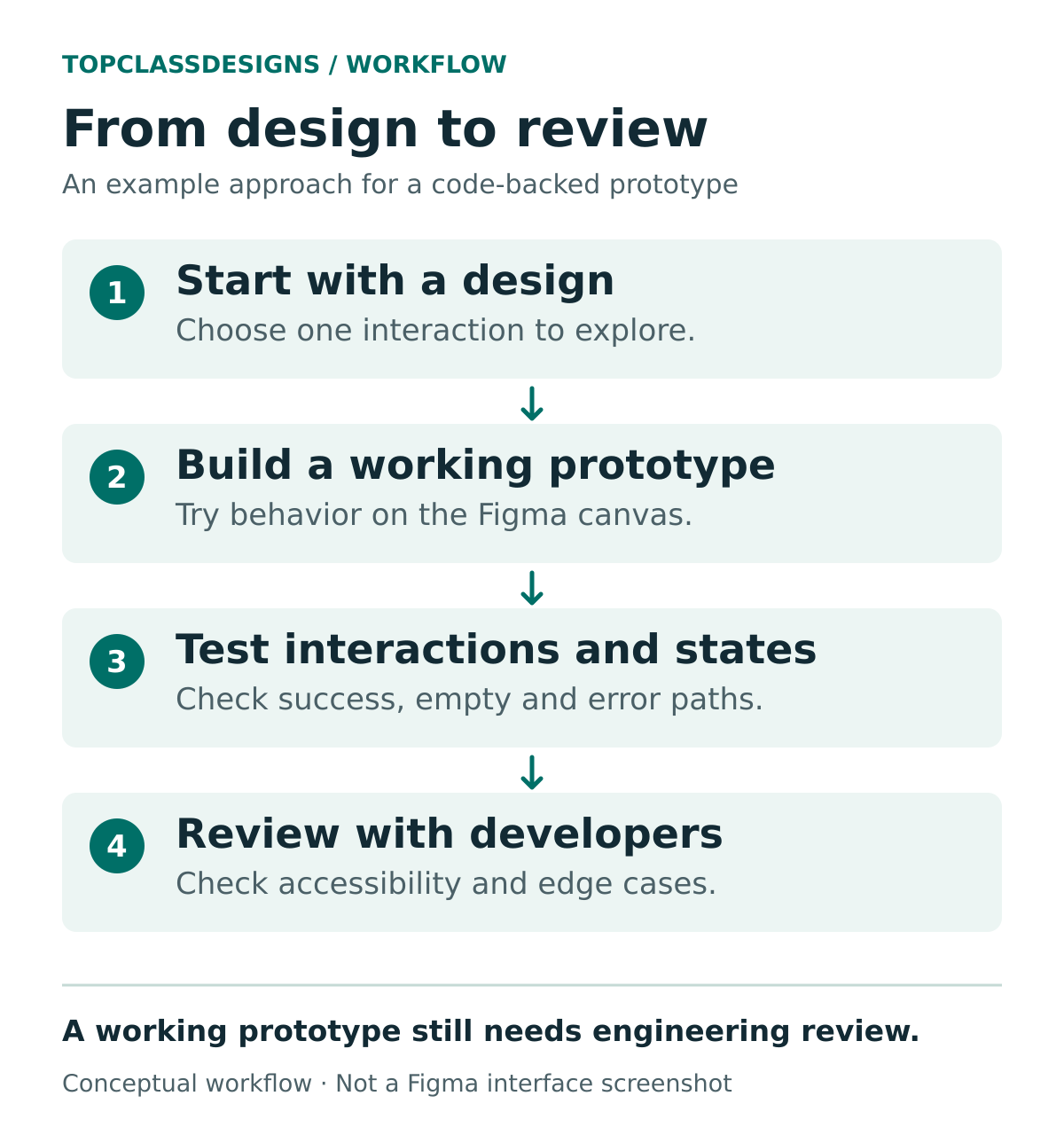
Keep the test focused on one uncertainty. If the team is debating where to show the estimate, compare that placement before changing the entire form. Record the participant’s confusion, the proposed correction and the decision owner. Those notes are useful implementation inputs even if the prototype code is later replaced.
This is a suggested exercise, not a hands-on test result. Real print pricing would also need approved production rules, minimum quantities and any applicable charges.
Check sharing before importing client code
Figma’s Git documentation contains an important warning: viewers of a Design file can see a code layer’s preview and its preview source. Editors can access the underlying Git-level source, even without equivalent GitHub permissions. Review the Figma file’s audience before cloning a private client repository.
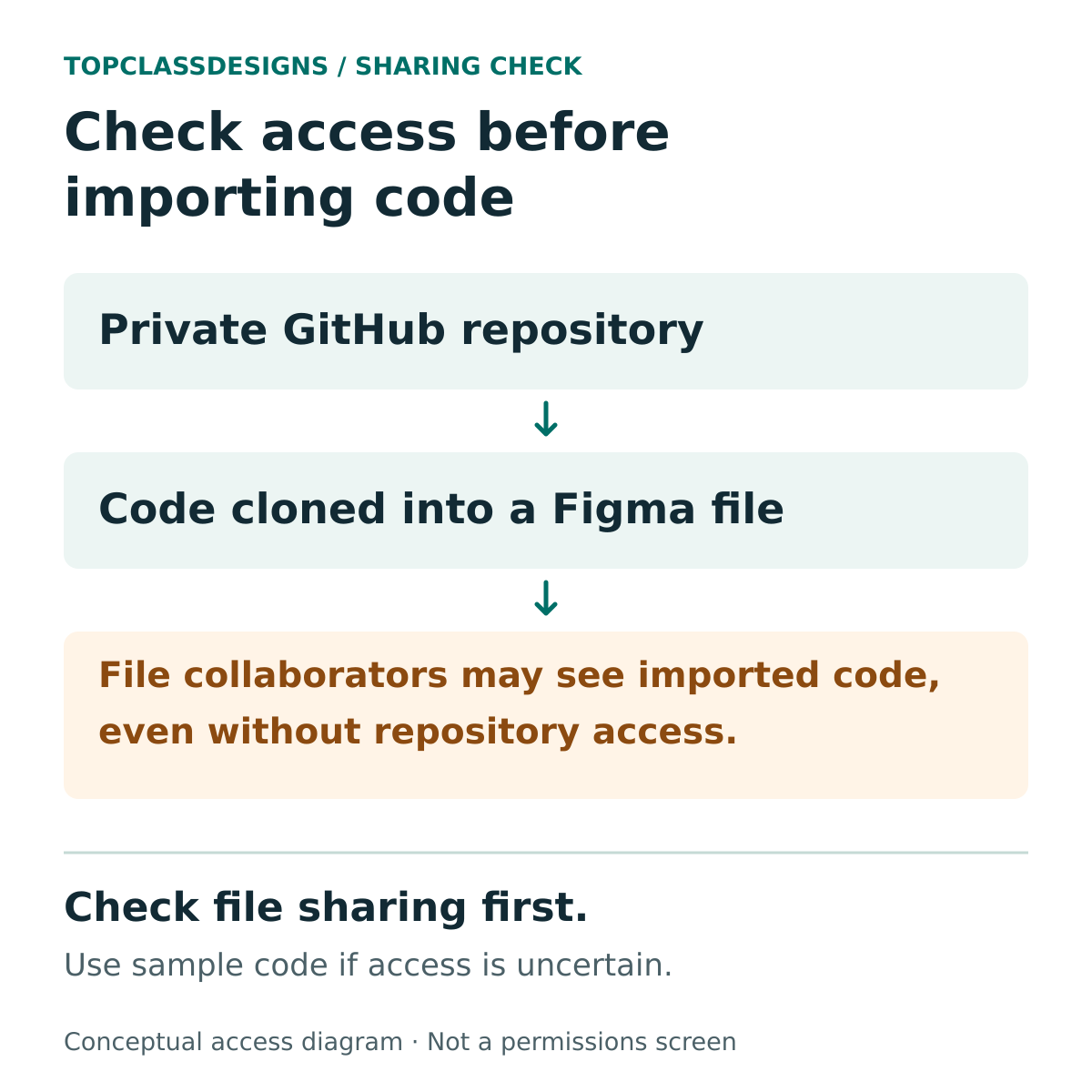
The documented Git workflow supports branches and pull requests back to the original repository. For client work, agree on an isolated development branch and the required reviewers with the engineering team. Check for secrets and confidential fixtures before importing anything.
A successful demonstration leaves important work outstanding. Before production, someone still needs to review security, accessibility, data handling, error recovery and compatibility with the real application. Decide who owns those checks before treating the prototype as an implementation commitment.
How Specs and Payload fit into the announcement
The same release introduces Specs in open beta for keeping written intent and technical context with the work. Figma lists Specs in paid Full, Dev and Collab seats on its pricing page. An agency could use that space to record which quote-form behaviors the client actually approved.
Figma Make also adds a built-in CMS powered by Payload. Figma says the broader Payload backend rollout spans all plans and includes a database, authentication, media and APIs. Hosting quotas and production usage charges should be verified before budgeting a client application.
Keep the rollout labels straight: the October 15 release notes describe design-system code sources as closed beta and centralized design systems as a preview. Those announcements do not establish that every account can use them today.
The useful first step: choose one interaction that a static mockup leaves unclear, use dummy data, and define the decision your review must produce. That gives the beta a measurable purpose before you commit client code or a larger budget.