
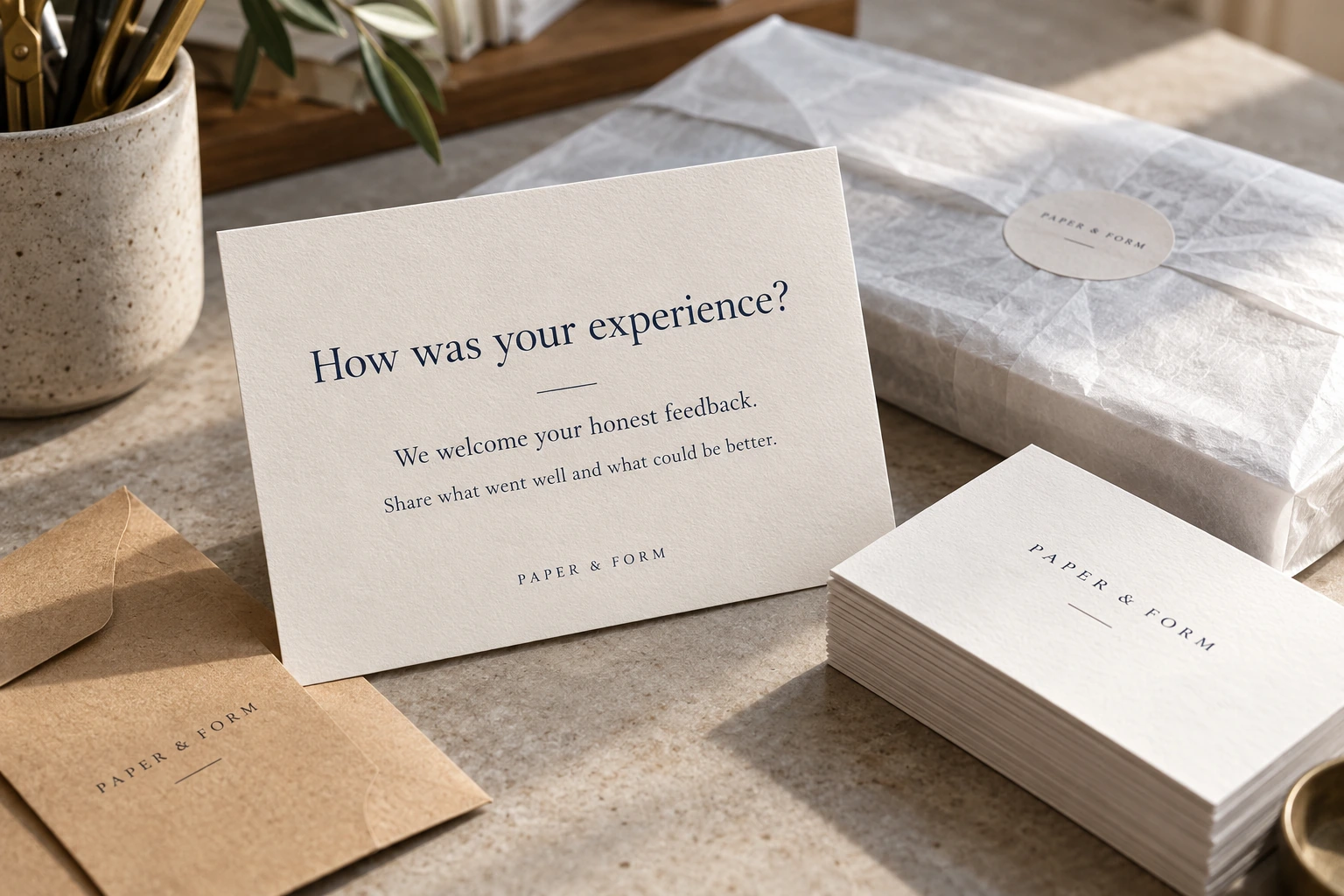
Featured image: AI-generated fictional print-shop scene illustrating a completed-order handoff. No real customer, testimonial or review is represented.
The end of a sign or print order is a natural place to ask how the experience went. Build that question into the handoff, keep it optional, and invite an honest public review without steering the rating. A small shop needs a process staff can repeat without turning customers into a score target.
The workflow below is designed for completed orders and installations. It does not guarantee more reviews or higher rankings. It gives the team a clear milestone, a neutral invitation and a sensible way to handle replies.
Choose a milestone that makes sense for the job
Pick a consistent point when the customer has had a reasonable opportunity to experience the work. For a pickup order, that might be the normal post-collection follow-up. For installation, it might be the standard completion handoff. Use the same rule across comparable jobs rather than asking staff to select only customers who seem delighted.
Have one person or one existing workflow own the request. Otherwise, the salesperson, installer and invoice system can all contact the same customer. Record the completion date and whether a request was already sent. You do not need a complicated platform to prevent duplicate messages.
Keep the invitation neutral
A short example is: “Thanks for choosing us for your project. If you’d like to share an honest review of your experience, here’s our review link. We appreciate your feedback.” Add the real link and adapt the wording to the completed job without prescribing praise.
Google permits requests for genuine reviews, but its content policy prohibits incentives, selectively soliciting positive reviews and discouraging negative ones. It also prohibits pressuring customers to review on the premises or requiring particular content. Do not offer a discount for posting, changing or removing a review.
Avoid a preliminary satisfaction screen that sends happy customers to Google and everyone else to a private form. A private support channel is useful, but access to the public review invitation should not depend on a satisfaction score. Do not write the customer’s review for them or ask staff and friends to manufacture a customer experience.
Use the correct link and test the handoff
Google’s review guidance supports sharing a review link or QR code. Obtain it from the correct Business Profile, then test where it leads before placing it on receipts or completion emails. Confirm the business name and location, especially if the company has more than one eligible location.
A clickable link is useful in a digital follow-up. A printed QR code can work on a handoff card, but leave enough space and contrast for a phone to scan it. Test the actual printed piece. Do not put a made-up code in production artwork or label a general homepage link as a direct review link. Use the print-ready artwork checklist for the card’s file and physical-proof checks before ordering a batch.
Tell customers enough to understand the action. They will need a Google Account to leave a Google review. If they would rather contact the shop privately, provide the normal service contact too. Their choice should not affect warranty service, complaint handling or the willingness to fix a genuine issue.
Build privacy into the reply process
Public replies should not disclose the customer’s address, invoice balance, private artwork, order history or an unpublished launch. Even a positive review does not automatically give the shop permission to reveal more project details.
For a straightforward compliment, a brief personal response is enough. For a question, answer what can safely be answered in public. If the matter requires looking at an order or discussing a person’s account, move that part to the established private contact route.

For example: “Thanks for flagging the lifting edge. Please contact our shop through the number on your order confirmation so we can review the installation details with you.” This acknowledges the reported issue without posting customer records or making a promise before the facts are checked.
Read the job notes before asserting what happened. Do not blame the reviewer, speculate about their motives or publish screenshots of private exchanges. Google’s guidance recommends concise, relevant replies and protecting reviewers’ private information. If content appears to violate policy, use the reporting process; disagreement alone does not establish a violation.
Keep service recovery independent
When the shop owes a correction, handle it because the work needs correction. Do not make a refund, remake or repair conditional on deleting a review. A customer may choose to update their account of the experience afterward, but the shop should not bargain for that change.
Give staff a clear escalation route for allegations, threats, safety issues or a dispute that needs an owner’s decision. A routine review reply should not accidentally accept liability, disclose confidential information or make a compensation commitment the writer cannot authorize.
Measure whether the process works
Track completed jobs, eligible handoffs, requests sent once and unresolved service issues. Read the substance of feedback for recurring problems: confusing proof approvals, unexpected lead times, hard-to-find pickup instructions or unclear care guidance. Those are operational clues, even when the star rating is high.
Avoid review quotas for staff. Google’s current policy specifically identifies staff review-solicitation targets as prohibited pressure. Reward good service and clear handoffs rather than a count of favorable ratings.
Review the process monthly. Check that the link still works, nobody has added a reward or a satisfaction gate, and the person answering reviews knows the privacy rules. The useful outcome is a trustworthy feedback loop customers can choose to use.
Google policy and help pages checked October 5, 2026. Platform rules can change; check the linked guidance before changing your review program.