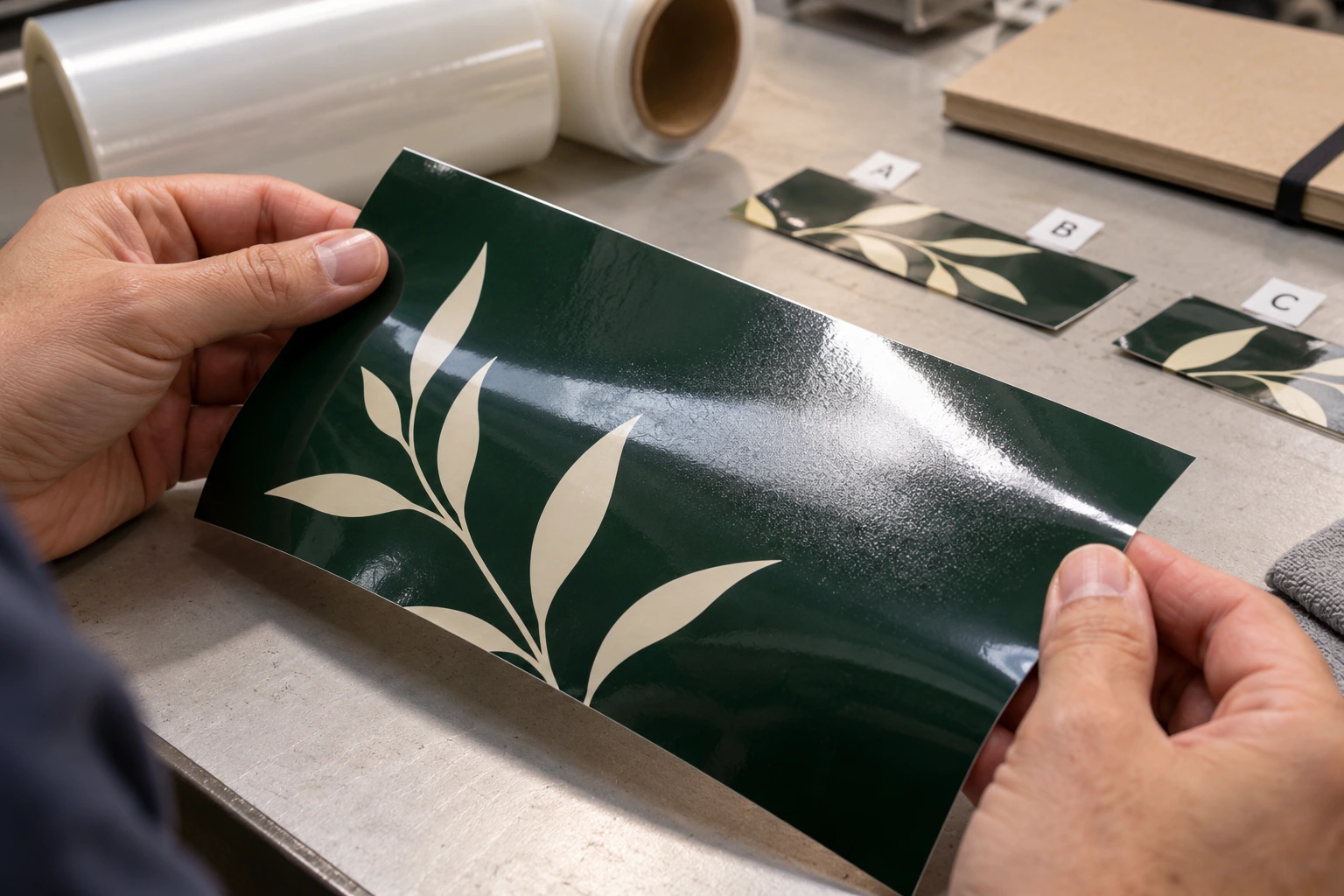
Featured image: AI-generated illustrative inspection scene, not an actual customer job or a product test.
A hazy patch under a laminate, a large bubble and a curling sticker edge may arrive at the finishing bench together, but they need different checks. Before changing the laminator, identify what is moving, where the defect appears and when it becomes visible.
This guide concerns pressure-sensitive overlamination for printed sign and decal films. Thermal pouches and heat-activated encapsulation need their own product instructions. No single pressure, speed or temperature setting is appropriate for every laminator and film combination.
First, describe the defect precisely
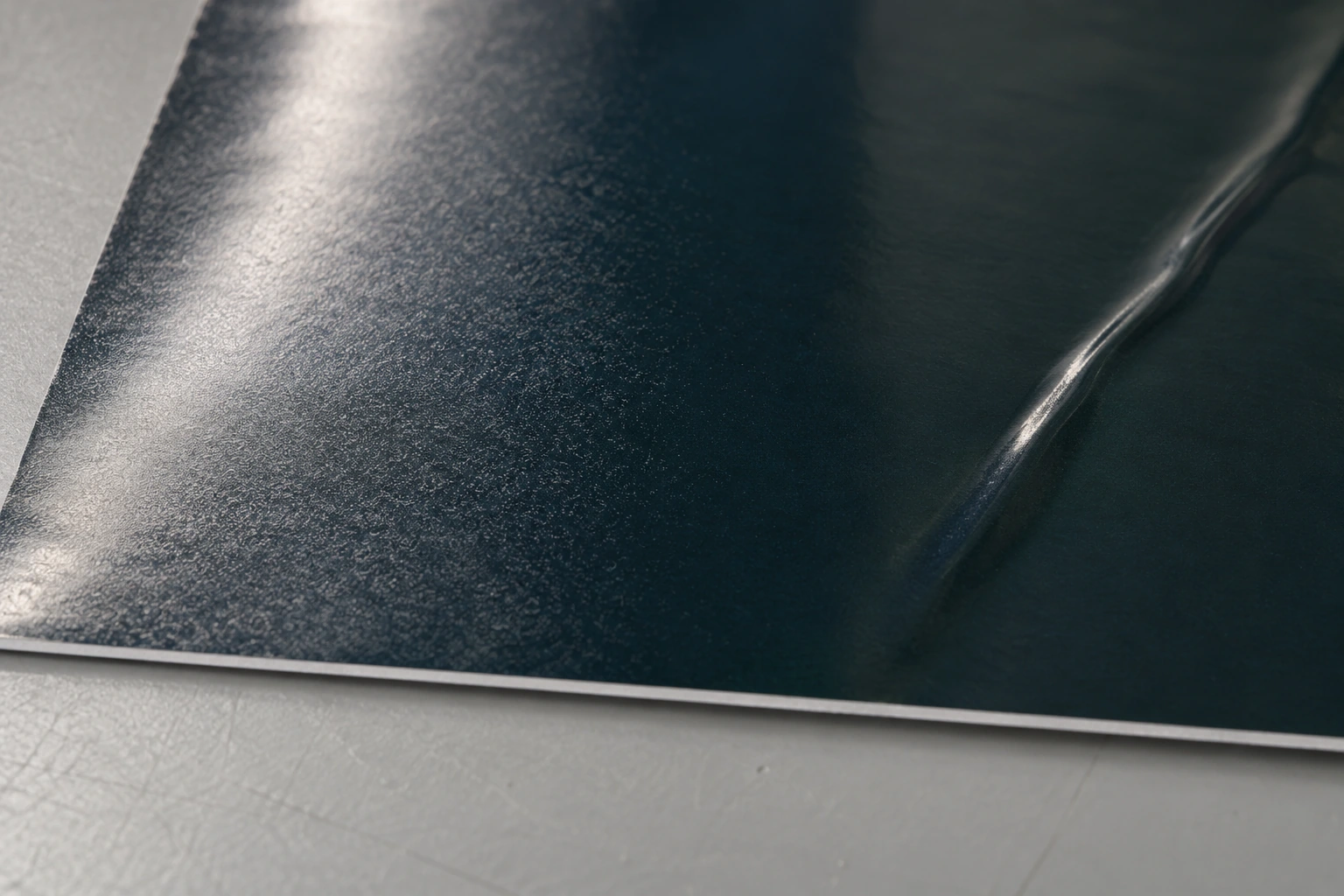
General Formulations’ technical explanation describes silvering as fine trapped air between the graphic and overlaminate. It scatters light and is easier to see over dark areas. The same source distinguishes this fine texture from larger visible bubbles.
Under consistent lighting, examine a dark printed area, an unprinted area and an edge. Take a close photograph and a wider photograph showing the position on the roll. Label the machine direction and operator side. This simple record makes a repeating defect much easier to discuss with a supplier than the statement “the laminate looks bad.”
- Fine haze or speckling: investigate adhesive contact and the print surface.
- Distinct bubbles: inspect feeding, flatness, pressure setup and contamination.
- Wrinkles or a diagonal wave: inspect loading and web tension before assuming an adhesive failure.
- A lifting edge: identify which interface is separating before selecting the next test.
Check the material combination before the machine
Write down the print-media product, laminate product, ink family, profile, lot numbers and print date. Confirm that the manufacturers approve the combination for the intended application. Check storage history and shelf life. A familiar brand name does not establish compatibility between two arbitrary rolls.
Print surface matters. Arlon’s silvering guide identifies uneven media or ink surfaces, insufficient roller pressure, excessive speed and adhesive coat weight as possible contributors. Consequently, a defect that appears only on a heavily textured or dense printed area deserves a different investigation from a stripe that repeats evenly along every job.
For UV-printed work, ask whether the laminate is designed for the ink surface in use. Do not substitute a generic “more heat” recommendation for the approved material pairing. Keep any changes to ink laydown or profiles within the printer and media supplier’s documented workflow, and reapprove color if the print settings change.
Return the laminator to its documented baseline
Stop and follow the machine’s safe setup and cleaning procedure before touching rollers or threading material. Keep fingers, clothing and tools away from the nip. Never bypass guards to watch a defect more closely.
Check that the rolls are correctly threaded and the web enters straight and flat. Inspect rollers for contamination or damage using the manufacturer’s procedure. Record the existing speed, tension, gap or pressure setting and any permitted heat-assist setting before adjusting anything.
Avery Dennison’s April 2025 DOL processing bulletin links different feeding and wrinkle patterns to loading, tension and pressure. Its troubleshooting guidance includes cases where pressure should be reduced. That is a good reason to avoid turning the pressure upward every time something looks wrong.
Run a controlled strip test
Use a small section of the same printed material and laminate. Include a dark solid and a lighter area, plus an unprinted margin if the job allows it. Preserve an untouched baseline sample and change one permitted variable at a time.
- Baseline: run a labeled strip at the documented starting setup.
- Speed: if the material and machine instructions permit, try a slower pass while retaining the other settings.
- Contact: verify the specified nip or pressure setup rather than applying an arbitrary maximum.
- Temperature: evaluate heat assist only where both the laminate and laminator instructions allow it.
Record the result immediately and at a consistent later inspection time. Honor the material system’s required hold before use: Avery’s April 2025 bulletin specifies at least 24 hours at 22°C and 50% relative humidity for its overlaminated graphics. General Formulations explains that slower travel gives the adhesive more time under pressure, while excessive heat can create other problems, including shrinkage and curl. These mechanisms help frame a test; they do not supply a universal recipe.
Give edge lift its own investigation
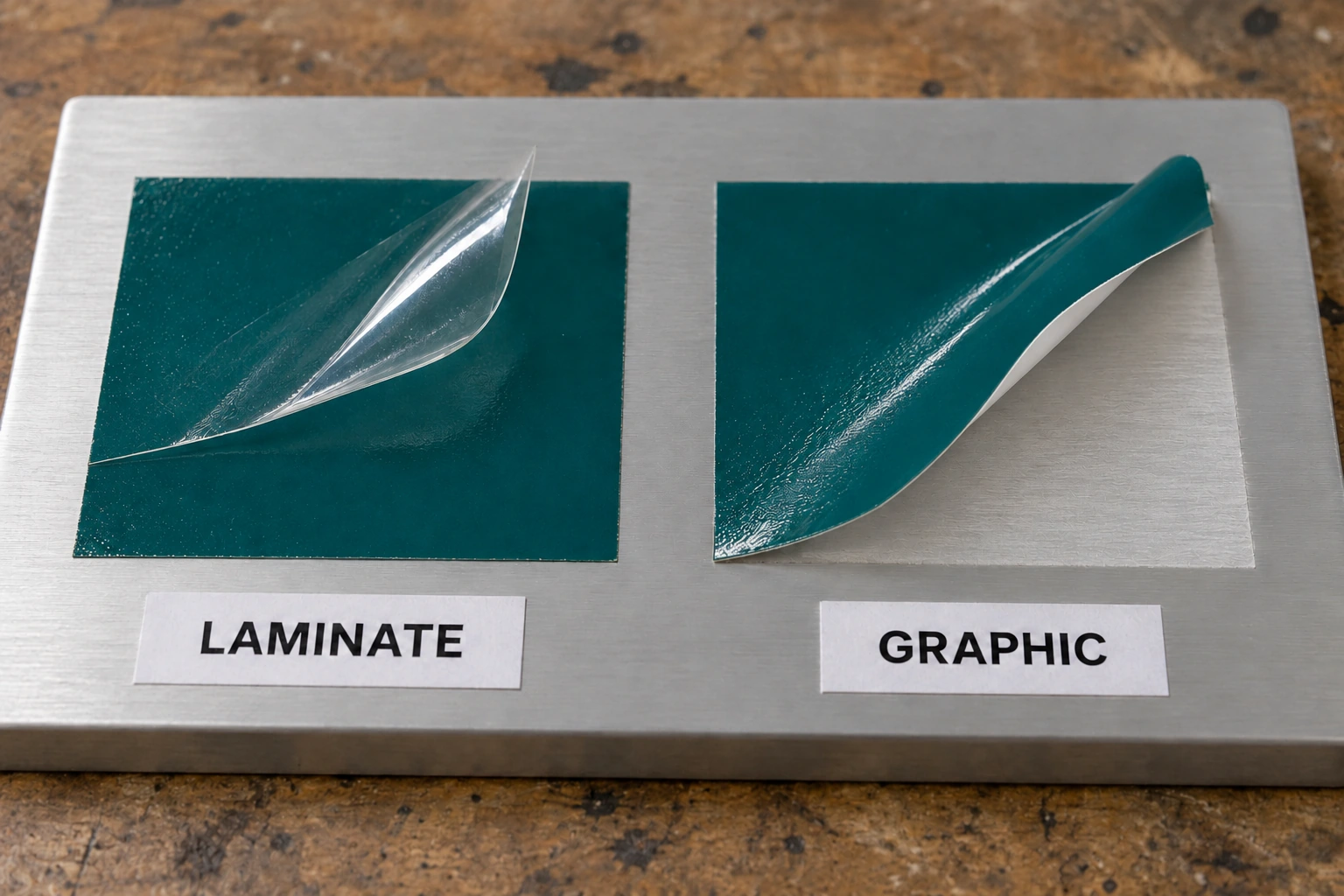
Ask exactly what is separating. Is the clear laminate lifting from the print? Is the printed vinyl lifting from its liner before application? Or is the complete graphic lifting from the final surface after installation? Those observations locate different parts of the construction.
For solvent and eco-solvent graphics, check drying history before blaming the laminator. ORAFOL’s inkjet-media guide connects inadequate outgassing with delamination, edge curling and adhesive failure, and calls for its recommended media/laminate pairings. Apply the current instructions for the exact system rather than borrowing another shop’s waiting time.
If the complete graphic lifts only after installation, expand the investigation to substrate condition, cleaning, application temperature and geometry. Laminator adjustment alone cannot establish that the final surface was suitable. Keep a retained, uninstalled sample so you can compare finishing quality separately from installation.
Set a release decision, not just a waiting period
Avery’s DOL bulletin notes that slight cold-lamination silvering can dissipate as adhesive wets out. That does not mean every haze, bubble or weak bond should be shipped with a promise that it will disappear. Agree on the finished appearance and evaluate the sample under the job’s intended viewing conditions.
If the controlled test does not produce an acceptable result, hold the batch. Send technical support the product and lot details, photographs, print history and labeled test results. A clear failure record can distinguish a material issue from a setup issue without sacrificing another full roll.