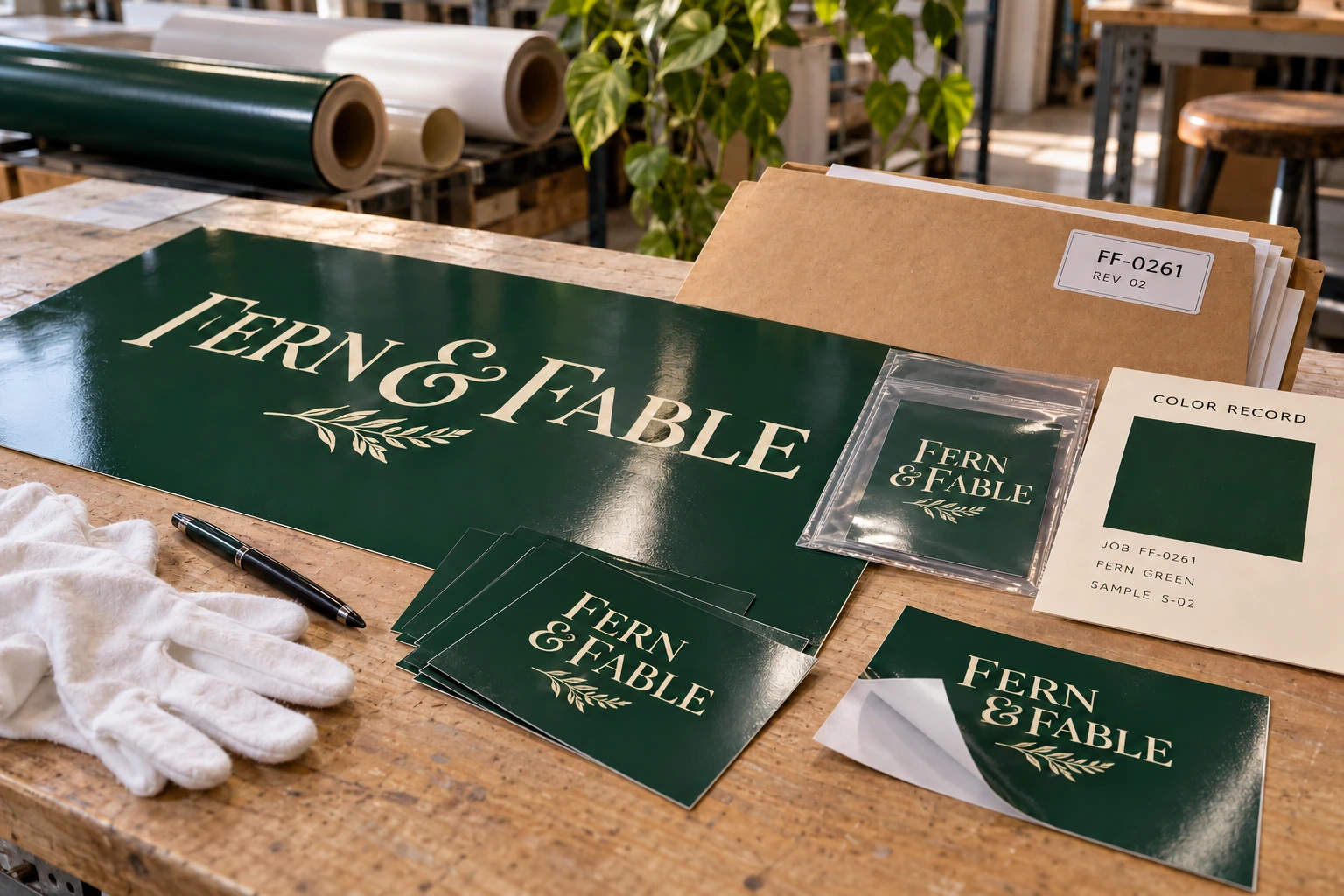
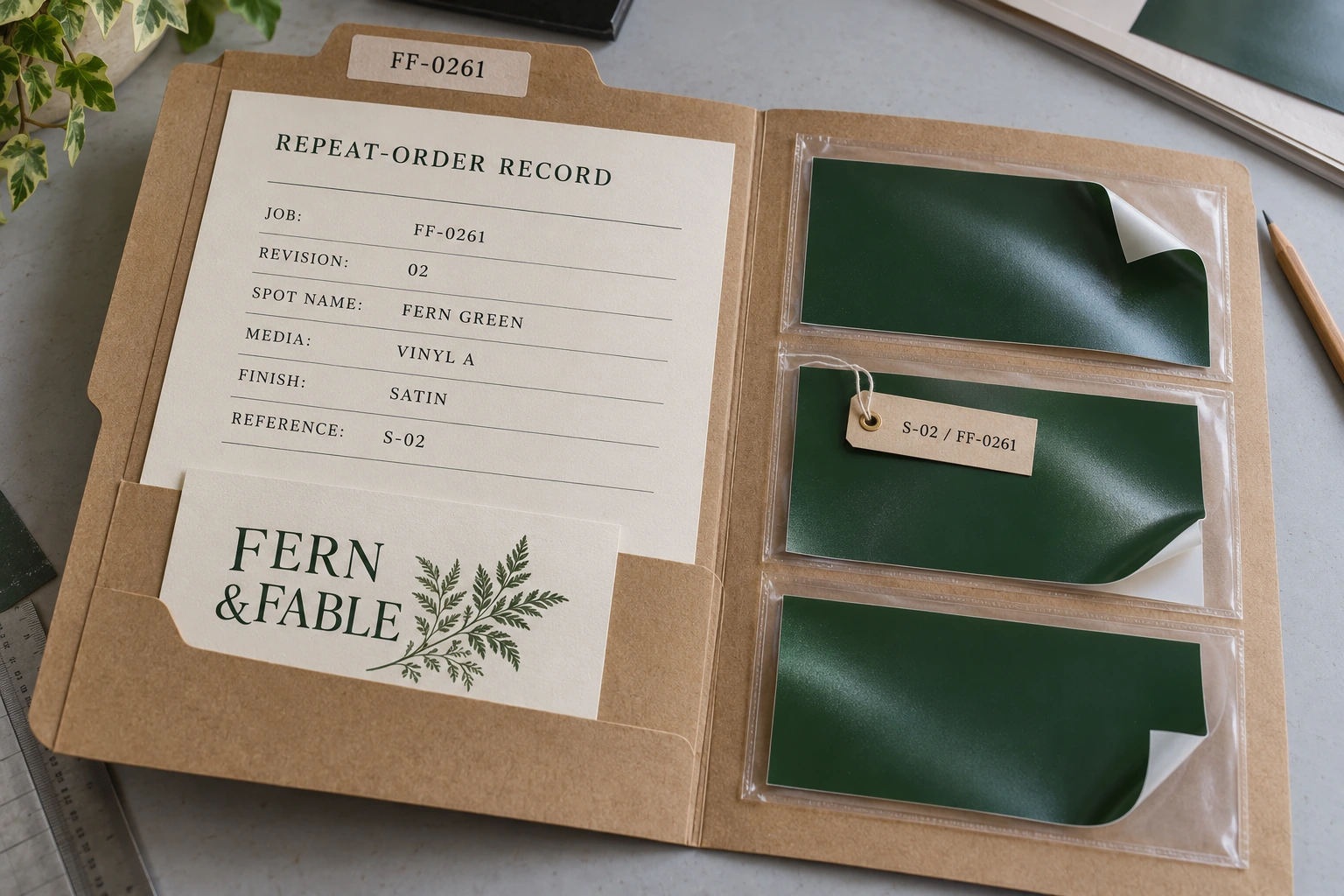
Featured image: AI-generated illustrative scene of a fictional print job, not actual customer work or a measured color test.
A repeat order arrives with the same logo and the same named color. The shop loads last month’s PDF, selects an available roll of vinyl and expects the same result. But the repeat may now use a different media profile, print mode, laminate or printer. The file has stayed the same while the production conditions have changed.
For repeatable digital spot-color work, save the approved appearance and the conditions that produced it. This guide explains how to connect the design file, raster image processor (RIP) settings, physical reference and reorder record. Roland VersaWorks 7 provides the software examples; the recordkeeping approach can be adapted to another RIP.
Keep the color identity intact
Start with a clearly named spot swatch in the source artwork. Confirm its identity survives in the production export and is recognized by the RIP. Record the exact name and library rather than relying on a note such as “use the dark green.” Keep one agreed reference for that named color so a returning operator knows what the job is aiming at. The print-ready artwork checklist covers the accompanying file and color-workflow checks.
A spot color in a design file does not necessarily mean a dedicated ink will be loaded into a digital printer. Roland’s VersaWorks 7 Edit documentation explains that non-Roland spot colors are replaced with CMYK for printing. Confirm how the receiving RIP interprets the named color and which output definition it uses.
Keep the client’s master color specification separate from a shop’s media-specific adjustment. If a particular vinyl needs a different output recipe, identify that recipe in the job record. Avoid silently changing the client’s master swatch just to improve one production run, then carrying that correction into unrelated materials.
Define the conditions of the approved sample
Label the approved physical sample with the job number and revision. Record the substrate’s exact product, printer, ink configuration, media profile, print mode and finishing. If the delivered product will be laminated, review a sample with that finishing rather than recording approval of an unfinished sheet and assuming it covers both.
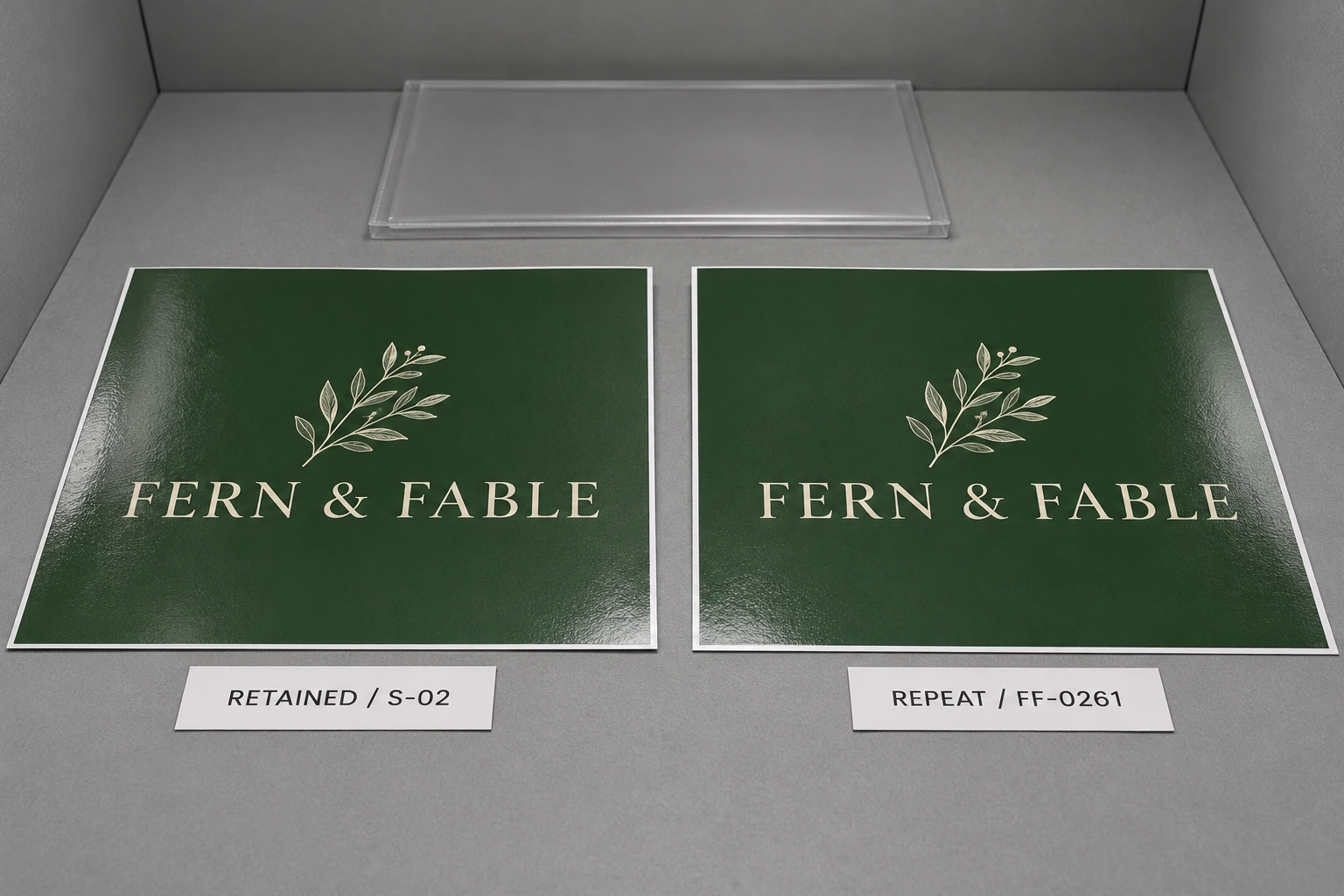
Use consistent viewing conditions for the reference and repeat sample. X-Rite identifies lighting, printing technology, substrate characteristics and the aging of physical guides as sources of color variation in Design Packaging with Achievable Color. Keep the reference protected and dated. A sun-faded sign returned from a storefront is useful context, but it needs to be distinguished from the retained production standard.
If your shop measures color, record the agreed tolerance and the measurement method alongside the readings. Include the instrument and relevant settings. A bare note saying “within Delta E” leaves the next operator without enough information to repeat the check. Agree on the acceptance method before the production run; do not invent a universal tolerance for every client and substrate.
Check what changed before changing the color
At reorder time, compare the new job against the saved conditions. Has the media changed? Is the same output profile selected? Is a faster mode being used? Was the laminate substituted? Is a different printer taking the job? Also complete the equipment manufacturer’s normal readiness checks before judging a fresh sample.
For an unchanged setup, print a small verification piece and compare it with the retained reference using the agreed method. If the sample differs, investigate the setup and machine condition before editing the logo’s color. Otherwise, a temporary production problem can become a permanent and misleading color adjustment.
A changed substrate or machine calls for a deliberate review. Treat the saved recipe as a starting point. Document the changed variable, make a fresh sample and obtain any required customer approval before committing the full order. Keep the older approved recipe available for jobs that still use its original conditions.
Use printed evidence for RIP adjustments
VersaWorks 7 includes Nearest Color Finder for cases where a spot color needs adjustment after a media or machine change. Roland describes printing a chart of nearby colors, selecting the desired result and applying the adjustment. This provides a controlled way to work from the actual output. See Color Replacement.
Use the final intended media and print conditions for that comparison. Label trial samples as trials and record which candidate was selected. If the requested color cannot be reproduced acceptably, discuss the achievable sample and available alternatives with the customer before running the order.
Roland’s spot-color fine-tuning guidance adds two important details: the described adjustment is job-specific, and the converted spot color is not reflected in the main-window or Settings preview. Check the printed result after an adjustment. Also verify whether a recipe is attached to this job or stored for wider reuse, so a one-off correction does not become an unintended shop default.
Save a record another operator can use
Keep a concise color record alongside the approved production files:
- Identity: job number, artwork revision, spot name, library and intended reference.
- Output: printer, ink configuration, exact media, profile, mode and finishing.
- Adjustment: replacement definition or library entry, and whether it is job-specific.
- Acceptance: physical sample location, approval date, viewing method and any measurement record.
- Files: editable source, production export and the saved RIP job needed to reproduce the setup.
Check what the RIP archive actually contains. Roland distinguishes a VW Job File from a VW Job + Source File: the former requires the source data to be saved separately, while the latter includes it. A Native file stores RIP-processed data, but its print settings cannot be changed when reused.
Finally, test that the archive reopens before considering the job closed. The useful repeat-order record is the one that lets someone reconstruct the approved conditions, see what changed and verify the next print without guessing.