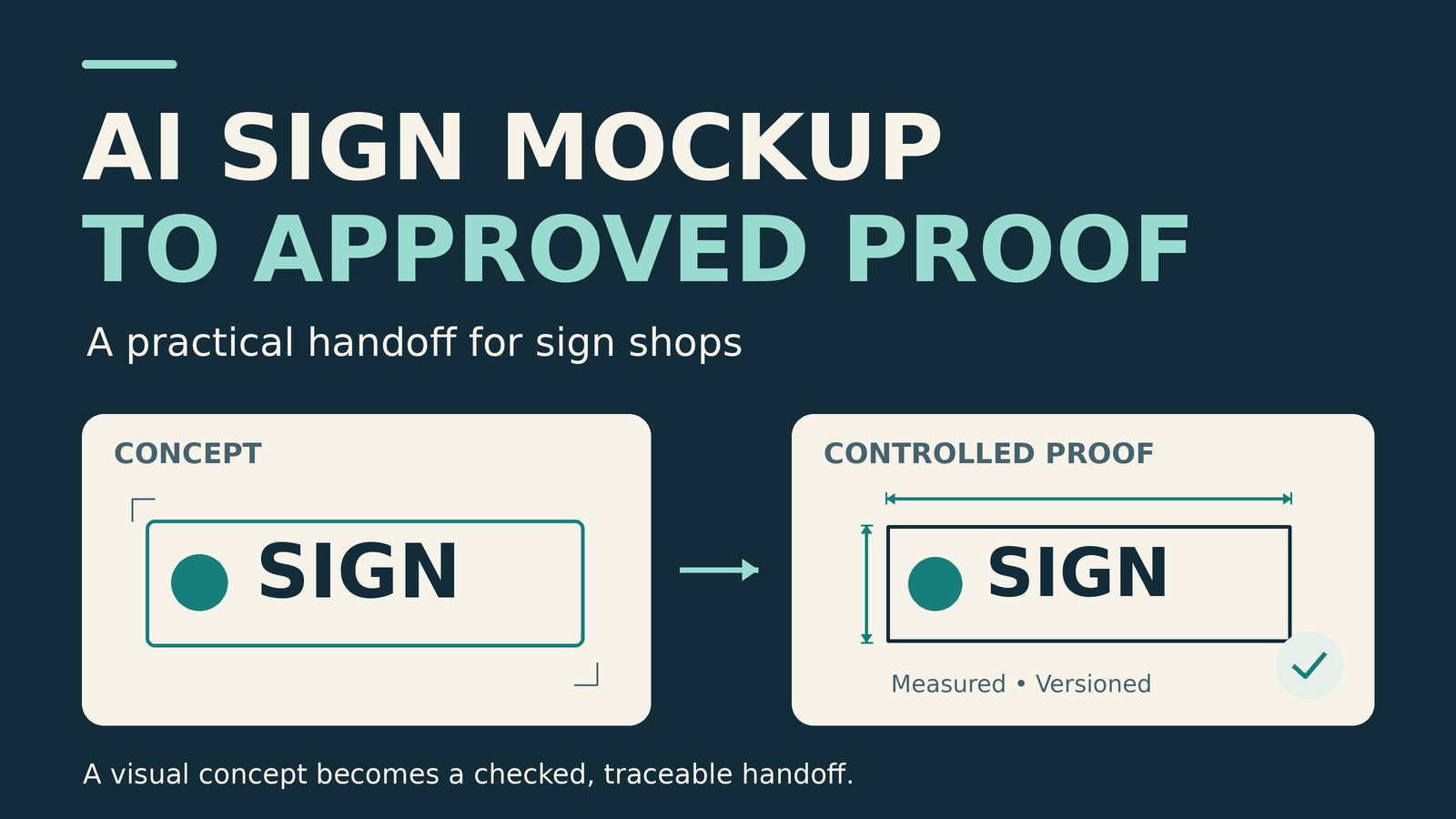
A customer sends an AI sign mockup and asks, “Can you make this?” The image gives you a useful starting point: a preferred style, a possible location and something concrete to discuss. The next step is to turn those visual choices into a job that the designer, fabricator and installer can all understand.
This checklist is for that handoff. It focuses on the information, artwork and approvals a shop should collect before releasing a sign to production. Adapt it to the sign type, your equipment, the site and the people responsible for technical review.
1. Turn the AI sign mockup into a written brief
Start by asking the customer which parts of the image matter. Is it the letter style, the glow, the background material or the position above the entrance? Record those decisions separately. A polished rendering can make several unconfirmed choices look settled.
- Confirm the message: business name, spelling, punctuation, phone number, website and any required secondary copy.
- Identify the visual direction: desired colors, lighting effect, finish, layout and approximate proportions.
- Define the product: printed panel, applied vinyl, dimensional letters, illuminated sign or another construction.
- Record the constraints: budget range, intended installation date, site access and who can approve the project.
- List the unknowns: missing measurements, unverified materials, landlord requirements and technical questions.
Keep the supplied image in a reference folder and label it as a concept. Write down any changes the customer agrees to. If a proposed detail cannot be made within the project’s requirements, show the alternative in the next proof rather than quietly changing it during production.
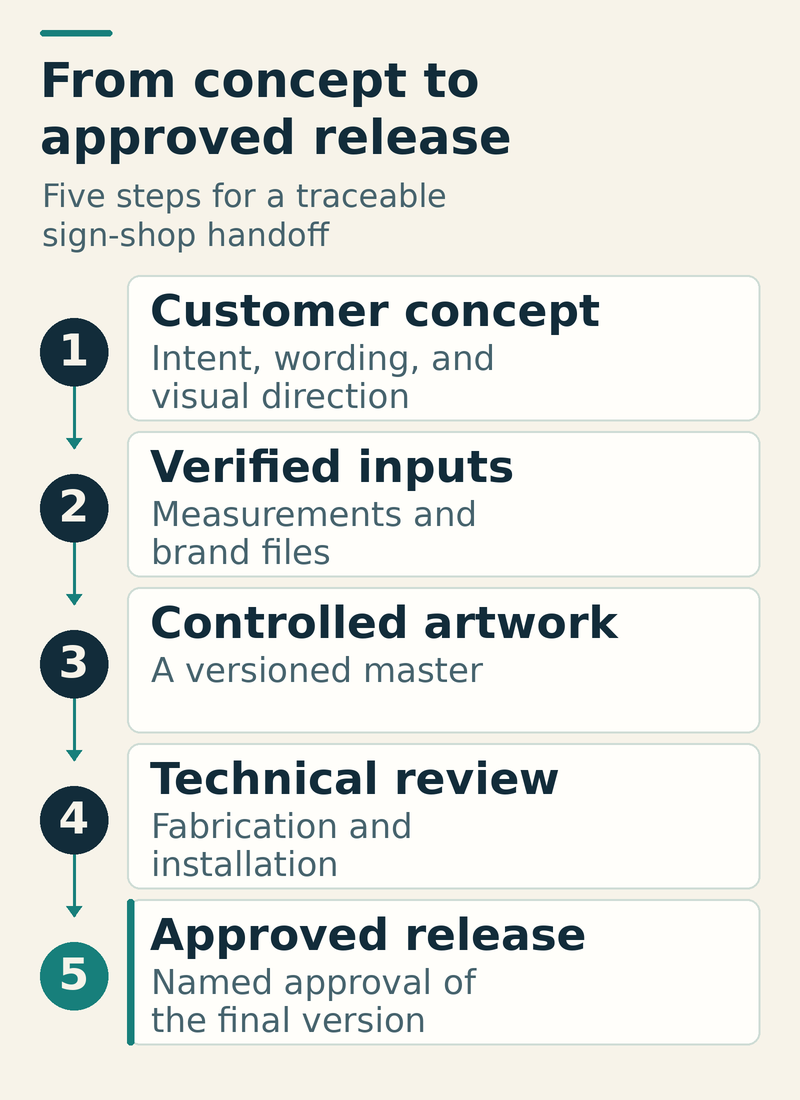
2. Replace visual guesses with verified inputs
Request the original approved logo and brand files when available. Compare the concept against them: letter shapes, spacing, proportions and small marks all deserve attention. Confirm permission to use supplied artwork and photographs. Before uploading customer material to an AI service, check the customer’s permission and your organization’s data-handling requirements.
Collect a site record with measured dimensions, photographs and relevant obstructions. A storefront photograph helps explain location, but the project still needs a dependable measurement source. Mark the intended sign position on an elevation or site photograph, and state the scale of the drawing.
A practical intake record includes:
- Job number, site address and the specific wall, window or sign position
- Measured available area and the proposed finished sign dimensions
- Who measured the site, when it was measured and anything still inaccessible
- Approved brand files, exact copy and the selected material or finish references
- Installation surface, access needs and unresolved electrical or structural questions
For applied wall graphics, connect the artwork to a separate surface assessment. Our wall-graphics survey guide covers the paint and adhesion records that belong alongside the proof.
3. Build a controlled artwork master
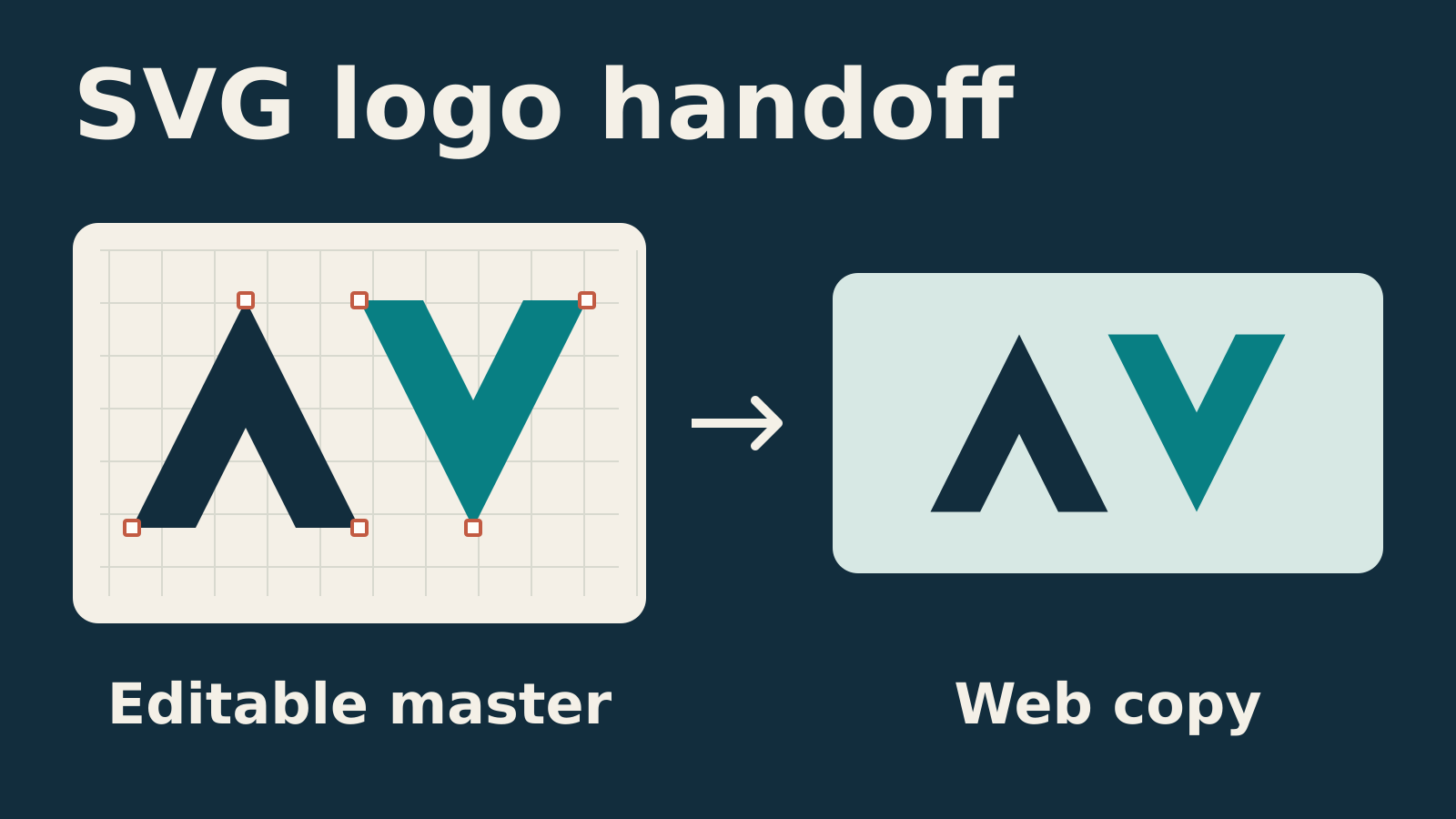
Create or validate an editable master using the verified inputs. Keep approved logo geometry and exact text under direct control. Put reference imagery, customer-facing artwork and production information in clearly identified layers or files so the next person knows what each contains.
AI-generated artwork can already be editable vector artwork. Adobe’s Illustrator documentation describes text-to-vector generation and other generative features. The important check is whether the actual objects, dimensions and content meet this job’s requirements. A vector file can still contain the wrong spelling, an altered logo or unsuitable paths.
Review each revision against the previous approved direction. If the customer asks for a different background color, compare the words, logo, position and dimensions as well as the color. Record what changed, and retain a clear version history.
Use a filename that identifies the job and revision, such as Job-1042-Shopfront-Proof-R03.pdf. Keep working files separate from the released production package. Replace vague approval messages with a reference to the exact proof revision.
4. Check the file for the intended production process
The output check depends on what the shop will make. Agree on the production requirements before exporting, then reopen the exported file and inspect it.
Printed panels and graphics
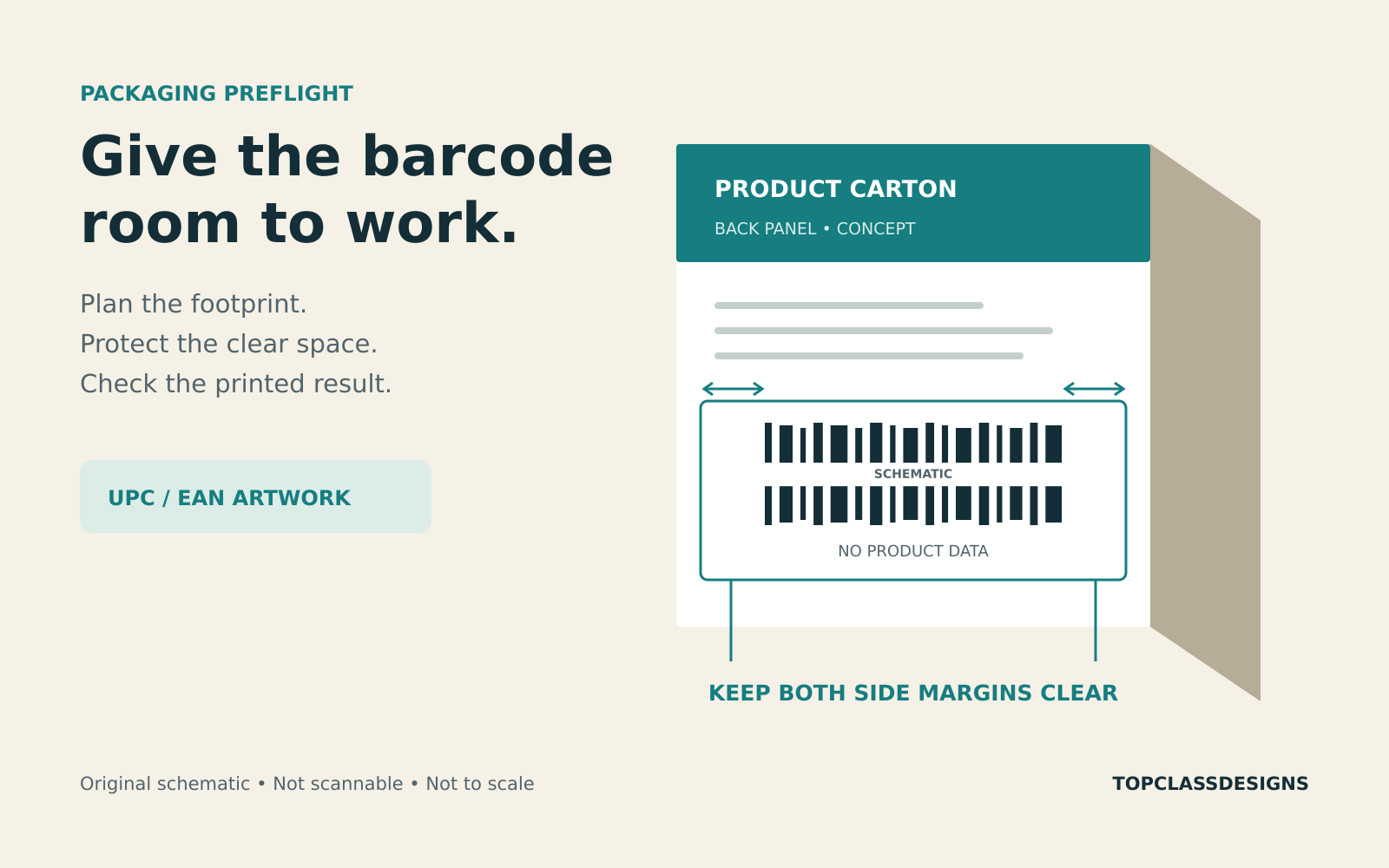
Check finished size, scale, image resolution at that size, required bleed, safe areas, fonts and the agreed color workflow. Include finishing allowances specified for the product. A screen rendering is also a poor place to settle a color-critical finish: agree on the appropriate proof or material sample. For the detailed file checks, use our print-ready artwork checklist.
Cut vinyl and routed or cut shapes
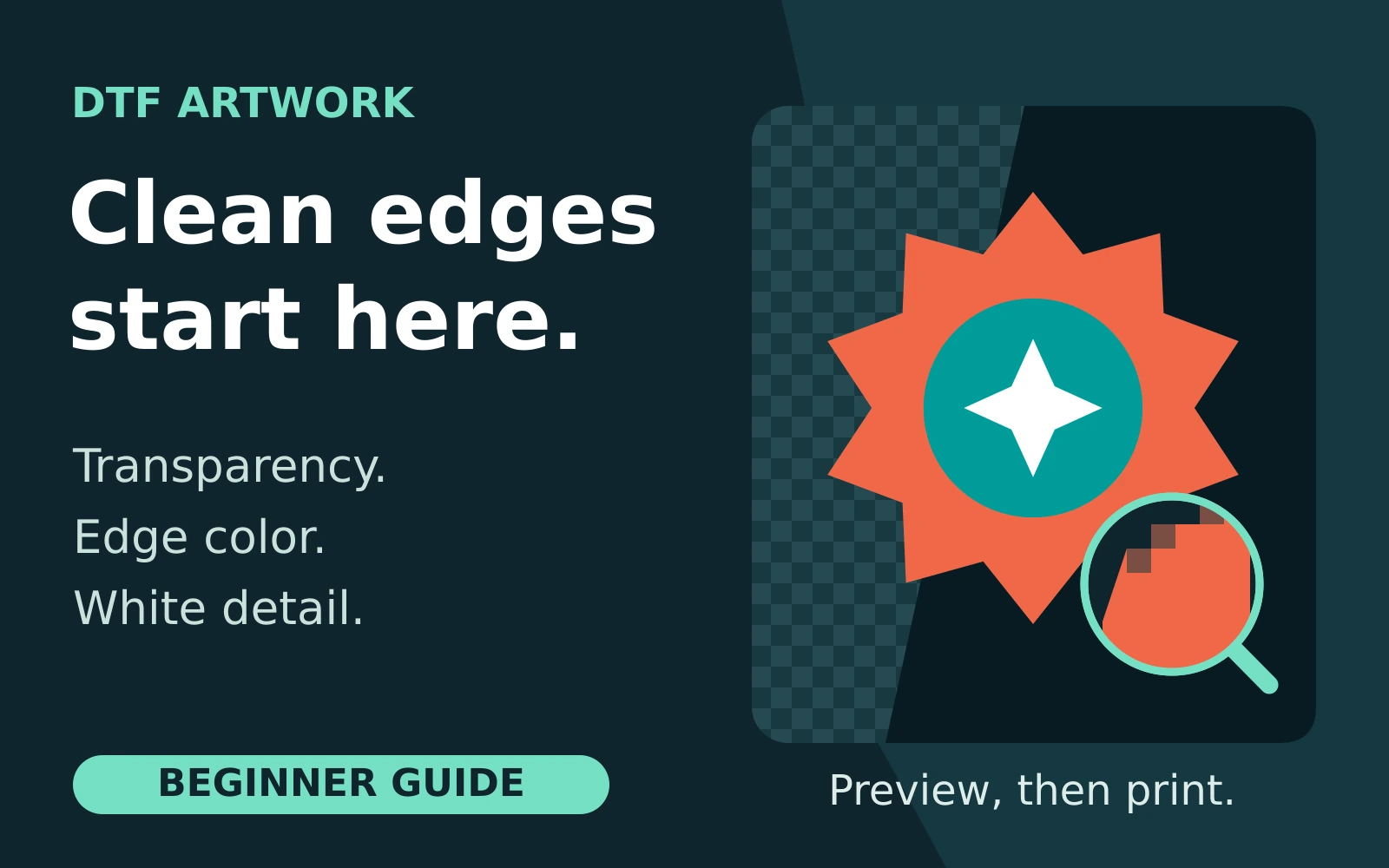
Inspect the actual paths the production software will use. Confirm the intended contours, closed shapes where required, duplicate paths, small details and the treatment of text. Follow the shop’s naming and separation requirements for production layers. Keep the customer proof understandable without relying on the customer to interpret machine instructions.
Dimensional and illuminated signs
Have the appropriate team review the selected construction, material thicknesses, mounting, service access and electrical details where relevant. Reference the approved technical documents in the job package. Do not let a dramatic nighttime rendering silently become the specification for lighting performance or construction.
5. Keep technical review and customer approval distinct
A customer can confirm that the wording and layout are right while technical questions remain open. Record both decisions and their owners. The International Sign Association’s design training identifies loads, materials, structural behavior, soils, footings and anchors as engineering considerations for sign design. The relevant checks depend on the project and require qualified judgment.
Check local requirements with the authority responsible for the site. ISA’s permitting guidance notes that most communities require a permit for a new sign, with some also requiring permits for temporary signs and banners. A customer-approved image does not establish that the proposed sign is permitted.
For electric signs, involve the responsible manufacturer, installer and qualified professionals in the applicable safety and compliance process. UL’s electric-sign guidance describes separate standards and certification considerations for signs, components and retrofit kits. Confirm what applies to the actual project and jurisdiction rather than inferring compliance from a rendering.
6. Release one approved version
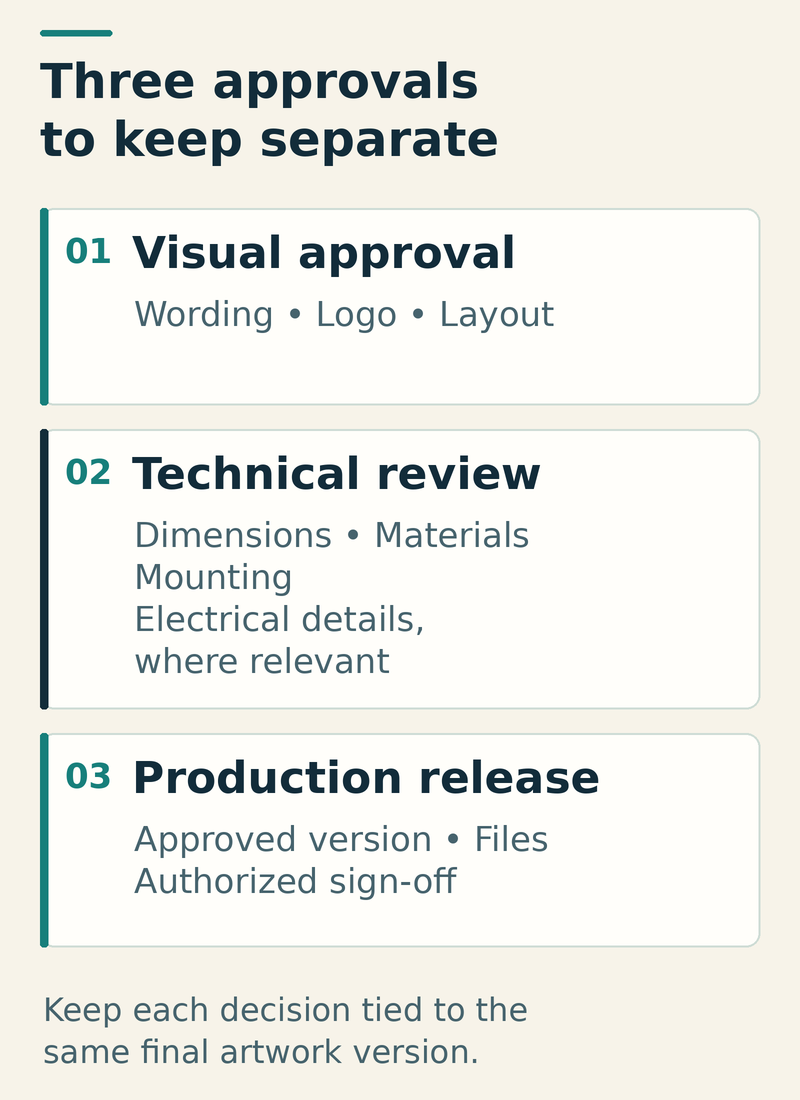
Before fabrication, the job record should answer three questions:
- Visual approval: Who approved the exact wording, logo, layout and stated appearance?
- Technical review: Who resolved the dimensions, materials, installation and applicable engineering or electrical requirements?
- Production release: Who authorized the identified files and revision to enter production?
These may involve different people. A small shop can keep the process simple, but the decisions should still be explicit. Record the approver, date, revision and any conditions. If artwork, dimensions, materials or site conditions change, send the affected work back through the appropriate review before releasing it again.
A compact release record
Use the following fields in your job ticket or project system:
- Job and location: customer, job number and installation position
- Approved proof: exact filename and revision
- Production files: filenames, dimensions, scale and output process
- Construction: agreed material system and linked technical documents
- Approvals: visual approver, technical reviewer and release owner, with dates
- Open conditions: any unresolved item that prevents release
For a hypothetical shopfront project, the customer might like the halo effect in an AI concept but have no confirmed mounting surface or electrical provision. The useful response is to approve the visual direction provisionally, arrange the site and technical checks, and issue an updated proof tied to the selected construction. Release follows when the required decisions are documented.
The value of an AI sign mockup is that it gives the conversation a starting point. A disciplined approval process carries that idea into a clear, buildable and traceable job.
Source note and image credits
This article was prompted by TrulySigns’ October 17, 2026 discussion, “AI and the Sign Industry: Friend or Foe?”, shared by Jose Ortiz in the public Those Crazy Sign Guys Facebook group. The checklist here is an original Top Class Design editorial workflow, not a test of a particular AI model or a report of measured productivity gains.
Featured image and body diagrams: original instructional illustrations created for Top Class Design. They depict a suggested workflow, not an actual customer project, product interface or engineering drawing. Source pages checked October 17, 2026.